Basemap
Choose and customize the background map style.
The basemap is the bottom layer of your map, providing basic geographic context: terrain, roads, administrative boundaries, rivers, places... Your store data is drawn on top of it.
Picking the right basemap makes your data stand out and fits your brand's tone. Three styles are available and you can switch at any time without touching your data.
The basemap styles
Light
A light background with fewer distracting details — suitable for most cases, and it makes colourful store icons pop.
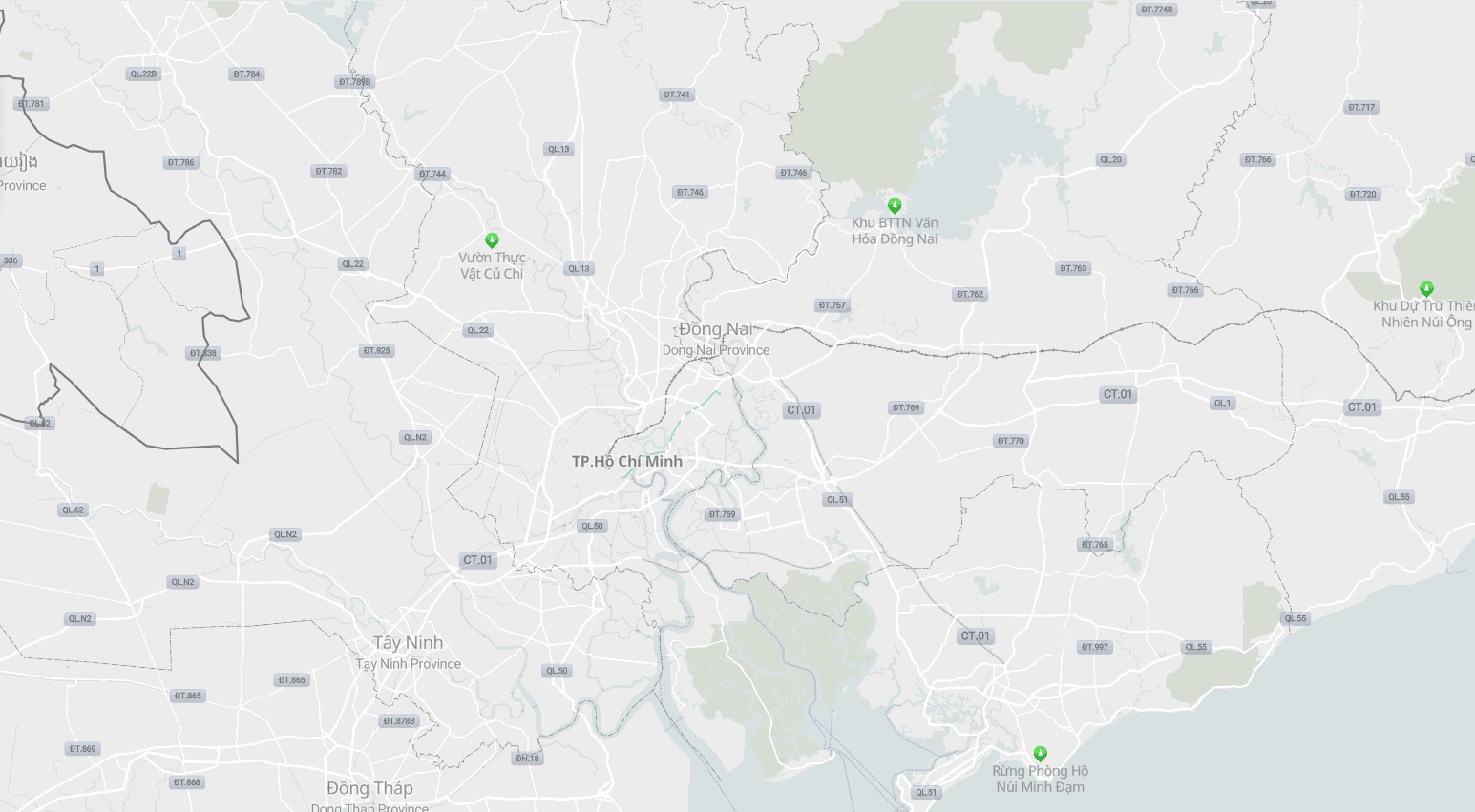
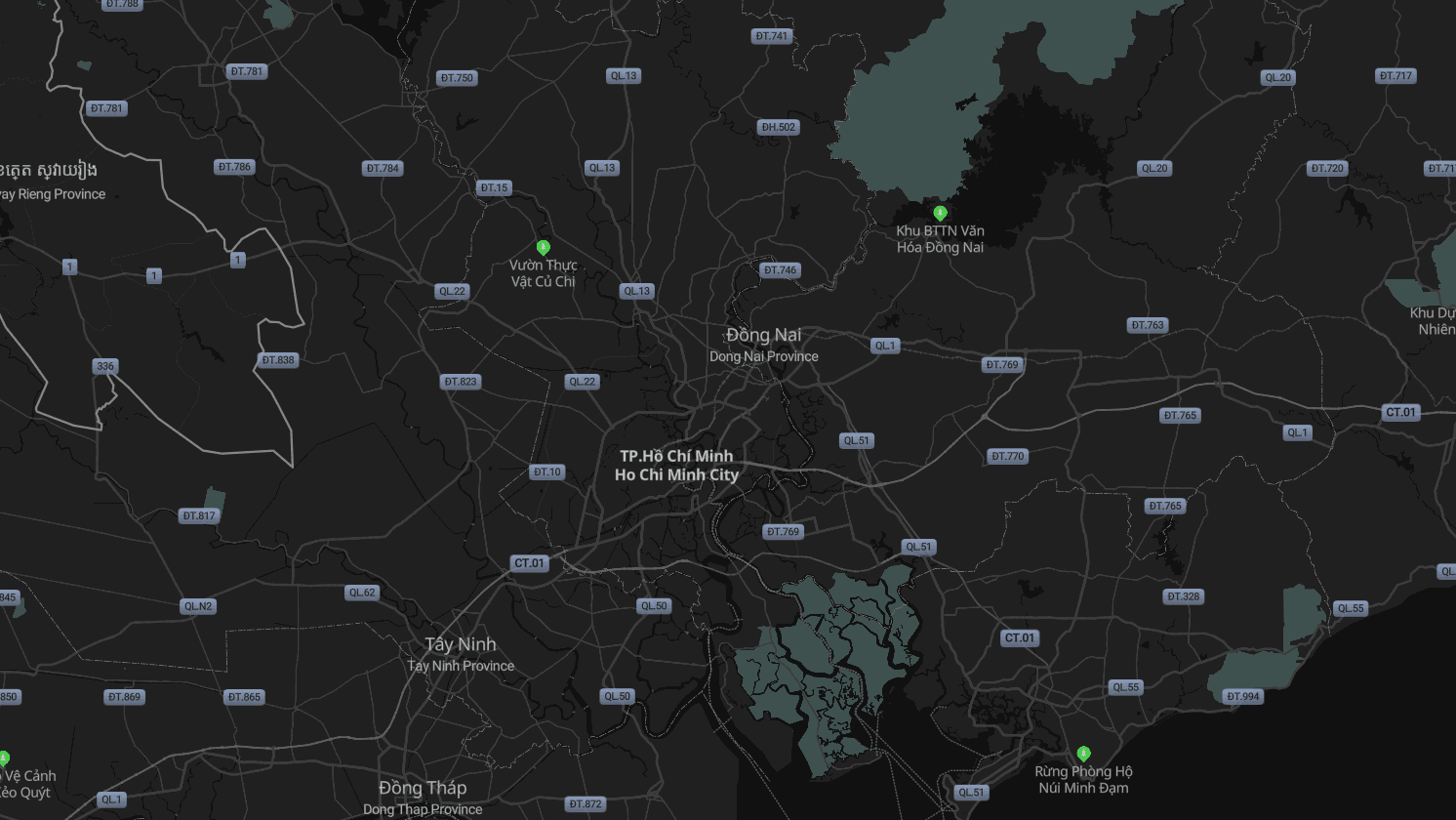
Dark
A dark background, good for brands with muted tones or when you need bright data to stand out against a dark canvas.
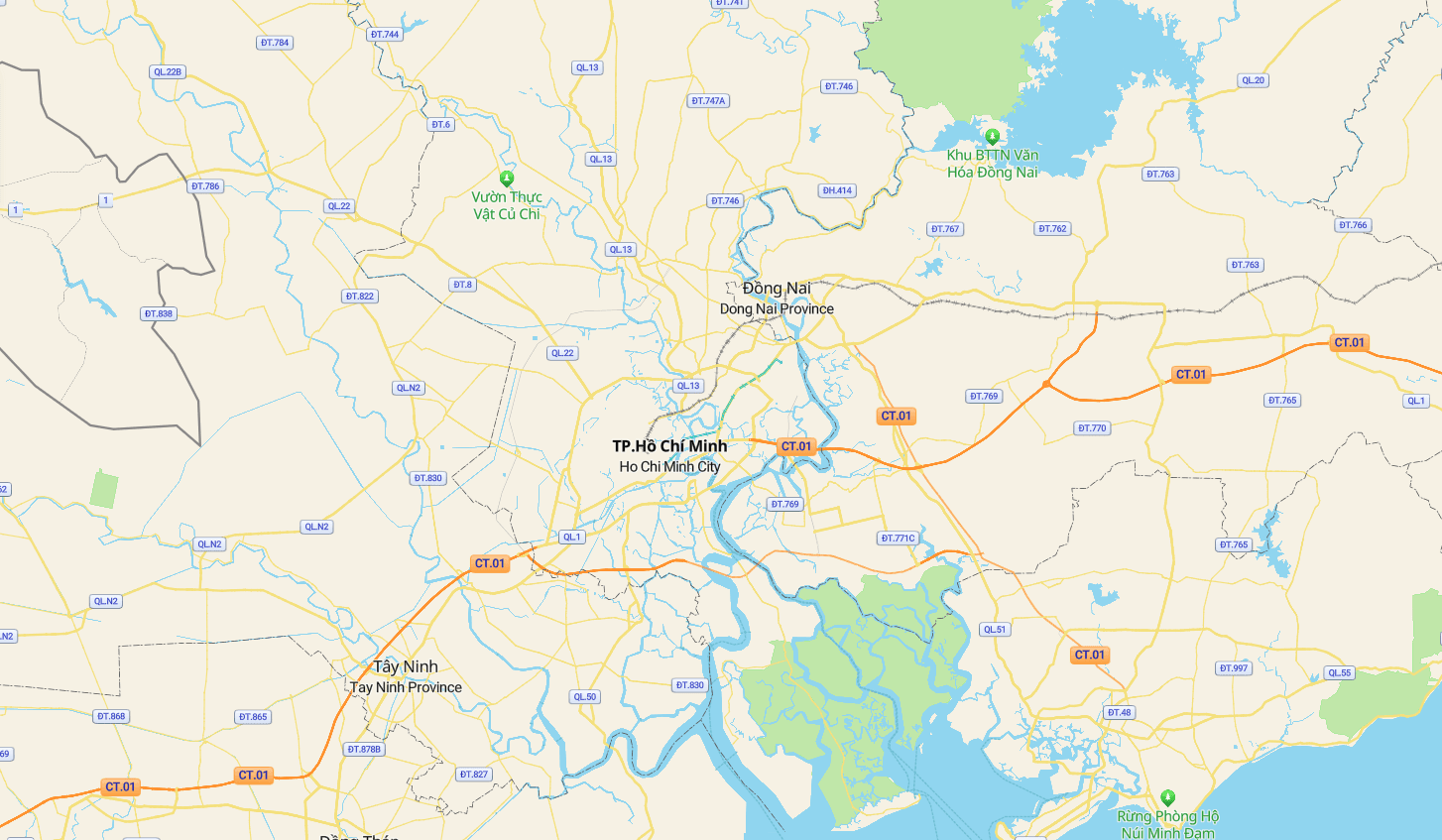
Street
Shows areas, roads, administrative boundaries, rivers and places in full — useful when customers need to work out how to reach a store.
Choosing a basemap
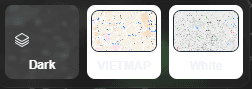
- Click the basemap picker — it sits directly on the map area, next to the zoom controls, not on the toolbar.
- Pick the style that suits you.
Changing the basemap does not touch your data
The basemap is only the display layer underneath. Switching it does not change, lose or scramble your store data — feel free to try the styles back and forth.
Remember to save and publish again
After changing the basemap, click Save on the toolbar. If the map is already public, you also need to publish again before customers see the new background.
Next: Display customization — choose icons, colours and labels for your brand.